The ability to zoom-in where you look at can provide a neat experience. For example, in combo with a pen for annotations.
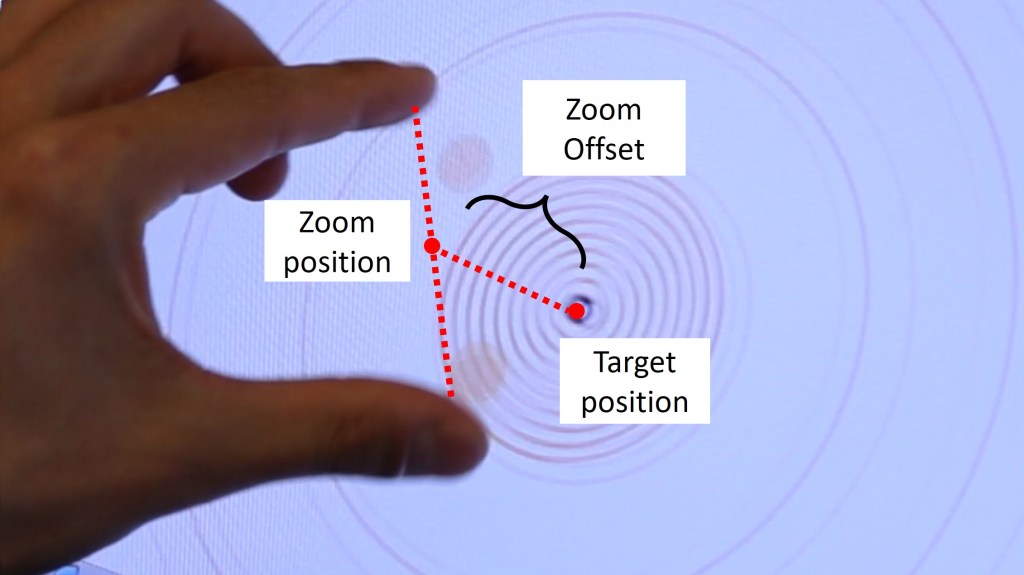
Gaze as input has implications at the fundamental level of each pinch-to-zoom gesture. Think of a “zoom offset”: if you want to zoom at a specific position, there’s a potential that you are not perfectly at the point.
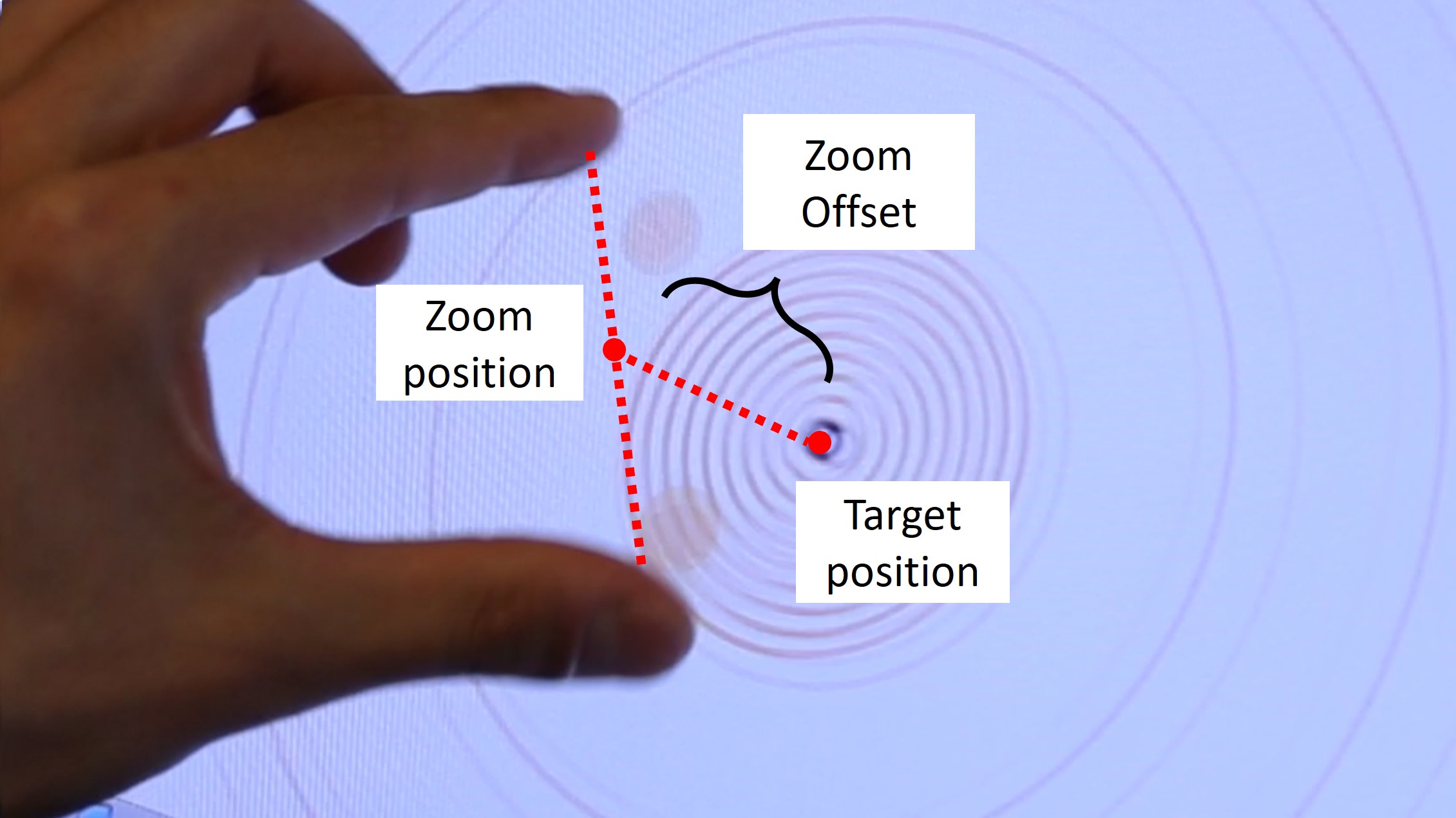
This is different with a gaze-based zooming pivot, when the UI changes the point of zoom to the point of regard.
See a comparison of normal vs. gaze-enhanced zooming below, in slow-mo.
- Zoom by hand: the gesture operation creates an offset between the target and finger position. The offset increases over time.
- Eye+Hand zoom: you can maintain the visual focus on the intended target while zooming. The offset keeps stable.
Source: CHI’2016
