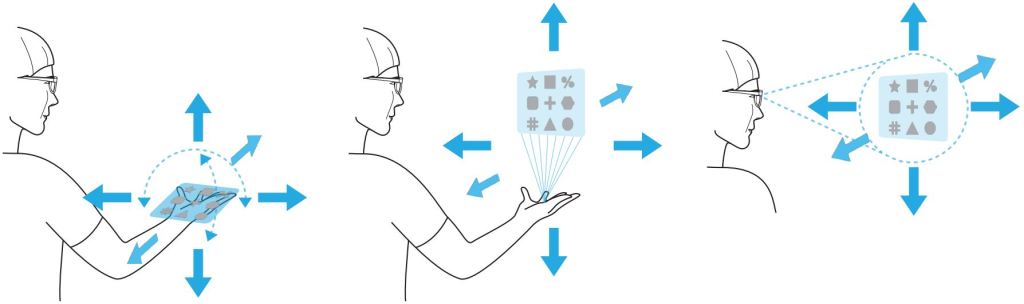
The PalmGazer project explored a mobility-oriented UI. It unifies activation, selection, and navigation.
We experimented with three UI locations after its instantiation, each having its own set of advantages and drawbacks.
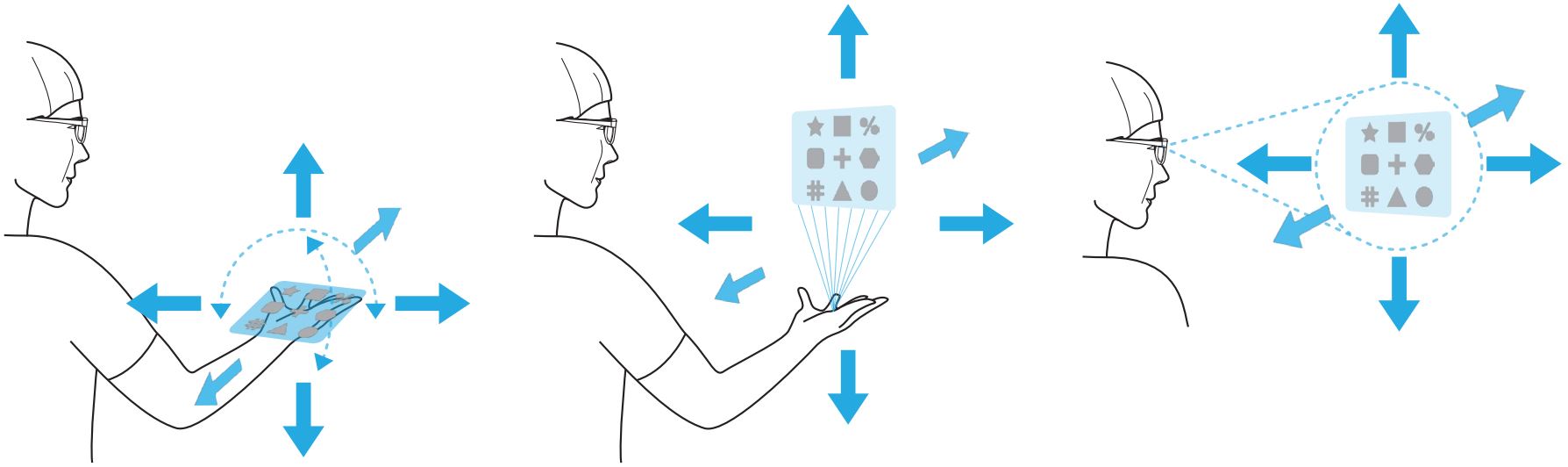
- Head-attached is similar to world-anchored UIs with the difference that it moves with the user. The UI appears in front of the user, at a fixed distance relative to the HMD’s position. However, it may block the center of the user’s view.
- The On-hand frame emulates the positioning of a smartphone, potentially rendering it an intuitive choice. Nonetheless, like smartphones, it necessitates users to either lower their gaze to the hand (potentially causing neck strain) or raise the hand into their line of sight (potentially leading to arm and shoulder fatigue).
- Lastly, Above-Hand represents a middle ground. Here, the UI is positioned well above the user’s hand, allowing us to maintain the hand at waist level while still retaining adequate control. This presents a trade-off, as it can amplify hand tracking jitter in the UI, but doesn’t occlude the view so much.
Source: SUI’23
